
HubSpot
hubspot.com
PDF Conversion Score
25/ 100
Score Insights
Fair (0–49)Good (50–79)Great (80–100)
- Native page count
- 14
- PrintFriendly page count
- 11
- Delta
- 21% (High)
We are an independent review service. Company names and favicons are used for identification only and do not imply endorsement or affiliation. All trademarks belong to their respective owners.
Score Breakdown
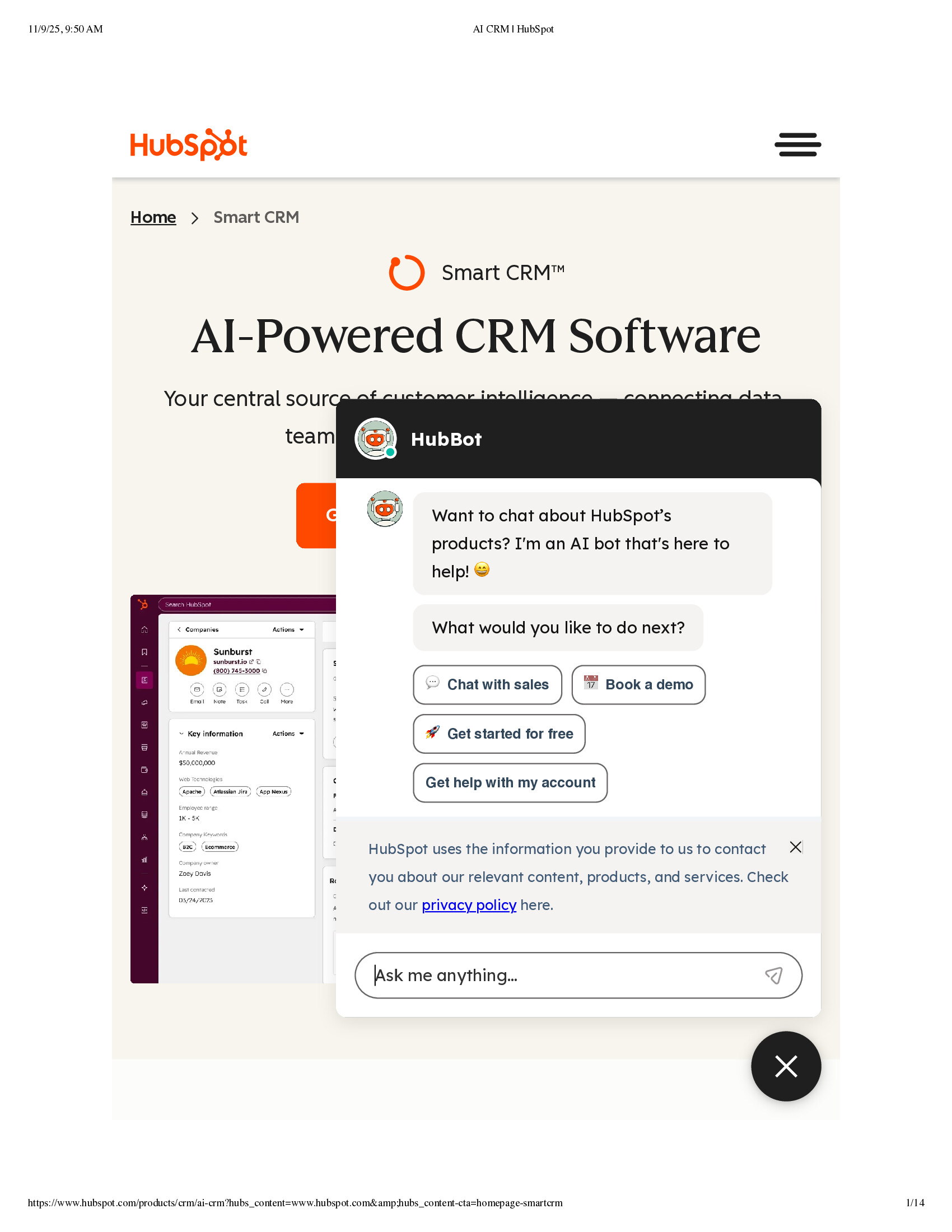
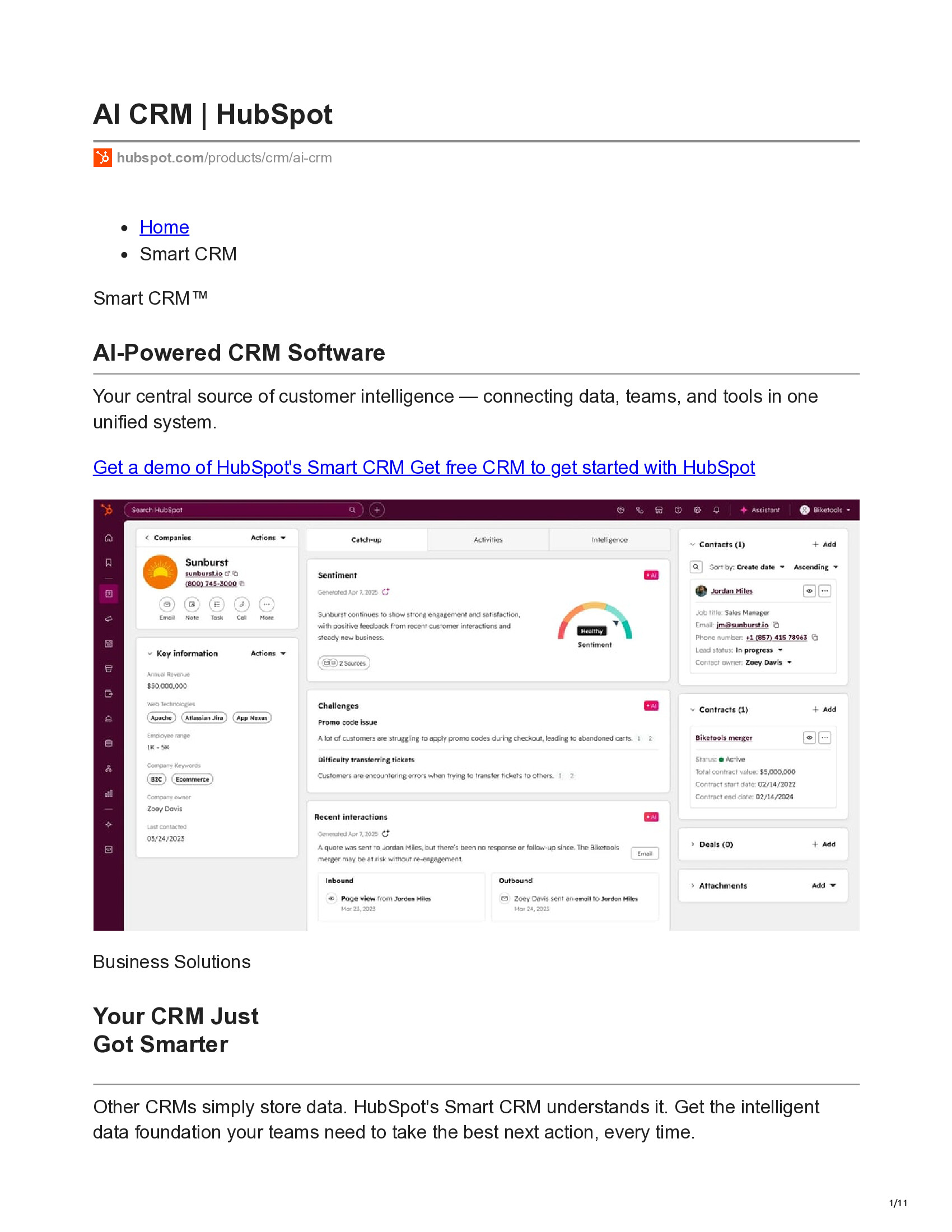
- Chat overlay obscuring main contentA HubBot chat widget overlay is covering a significant portion of the main page content, including the subtitle text and the call-to-action button area, making them unreadable.
- Text obstruction by modalThe subtitle text 'Your central source of customer intelligence — connecting data' and the line below it are partially obscured by the chat panel, preventing full readability of the page's key messaging.
- CTA button hiddenThe primary call-to-action button (orange button) is almost entirely hidden behind the chat overlay, leaving only a small sliver visible.
About this website
HubSpot is a leading inbound marketing, sales, and customer service platform that helps businesses grow through effective marketing strategies and tools.
Convert pages on hubspot.com to ad-free PDFs.
Add PrintFriendly to Chrome4.6(4,900 reviews)1,000,000 users
Featured on Chrome Web Store
Create a clean, printable version of HubSpot
Tested URL: www.hubspot.com/products/crm/ai-crm
Leaderboard Industries
| Rank | Domain | Native pages | PrintFriendly pages | Delta | Score |
|---|---|---|---|---|---|
| #1 | iso.org | 5 | 6 | +20% | 85 |
| #2 | hubspot.com | 14 | 11 | -21% | 25 |
FAQs
- What does the PDFability score for this site mean?
- The PDFability score shows how well this website converts into a clean, readable PDF. A higher score means the page produces a clearer layout with fewer distractions when converted using PrintFriendly compared to the default browser print version.
- How is this PDFability score calculated?
- The score is based on a visual evaluation of the page after conversion. We compare the website's default print output with the optimized version generated by PrintFriendly and measure factors such as layout clarity, visual clutter, readability, and overall PDF quality.
- What is being compared to generate this score?
- We compare two versions of the same page: the default browser print output and the version generated by the PrintFriendly tool. This comparison helps determine how much the layout, readability, and overall PDF quality improve.
- Why does PrintFriendly sometimes create more pages than the native print version?
- In some cases PrintFriendly increases the page count in order to improve readability. For example, it may expand images, restore hidden content, or improve spacing and formatting. Even when the page count increases, the resulting PDF can still be cleaner and easier to read.
- Can I generate a clean PDF of this website?
- Yes. PrintFriendly allows you to convert almost any web page into a clean, ad-free PDF that is easier to read, share, or print. You can use the PrintFriendly extension or online tool to create a PDF of this page.