
Turn any web page into a clean PDF.
Print, PDF, or screenshot any page — no ads, no sidebars, no clutter.

Also works in Brave · Opera · Vivaldi · Arc
Built for the whole web









PDF EXPORT
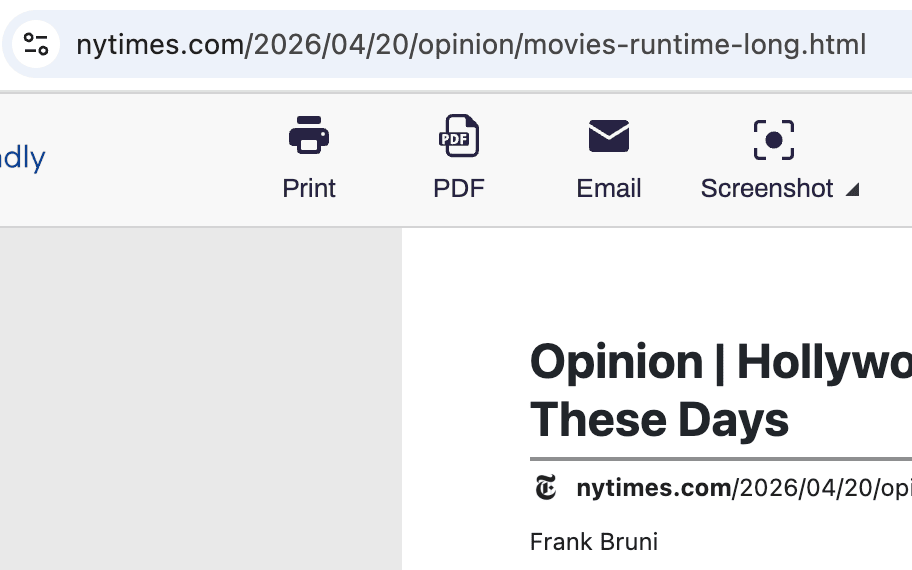
Convert any Chrome page to PDF
Clean, professional PDFs without ads, headers, or navigation. Full support for non-Latin characters and right-to-left languages. Choose A4 or Letter, set margins, and download in one click from the Chrome toolbar.
CLEAN PRINT
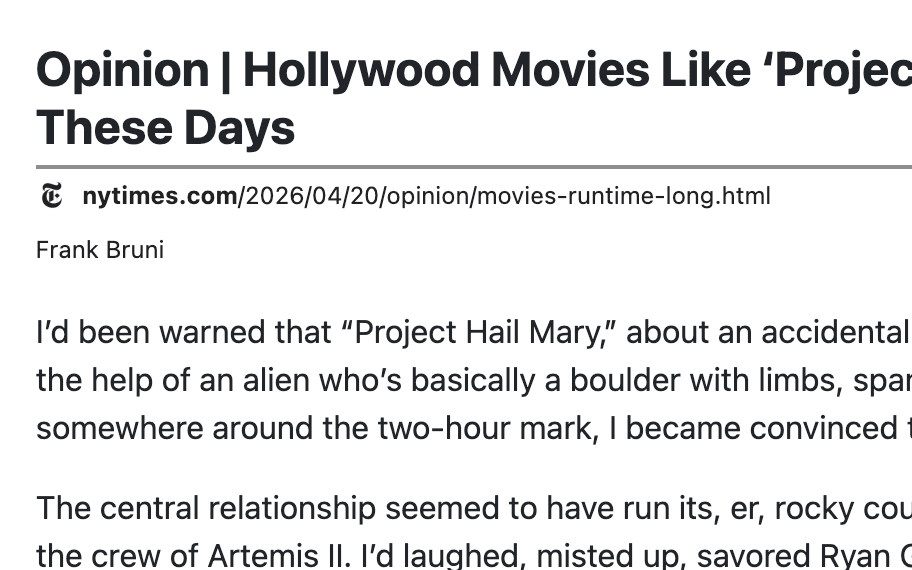
Print web pages in Chrome without clutter
Strip ads, pop-ups, navigation, and footers before printing from Chrome. Delete mode removes whole sections; click-and-drag clears many at once.
SCREENSHOTS
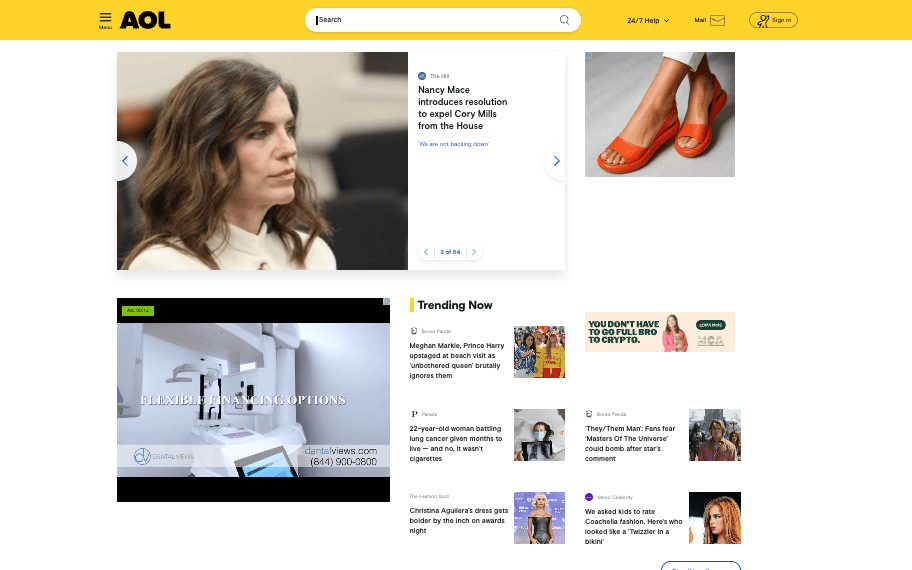
Full-page screenshots, captured from Chrome
Capture any page with one click — even sites with iframes, dynamic content, and complex layouts. Export as PNG, JPG, or PDF right from the Chrome toolbar.
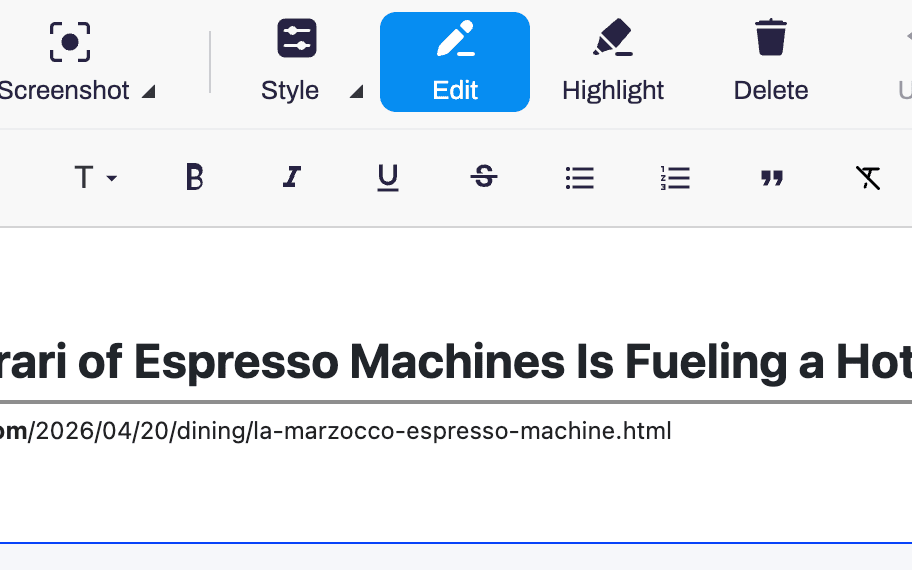
EDIT & HIGHLIGHT
Edit anything in Chrome before you save
Tweak text, adjust font size, drop images, and highlight what matters. Full-screen editing with undo, all inside Chrome.
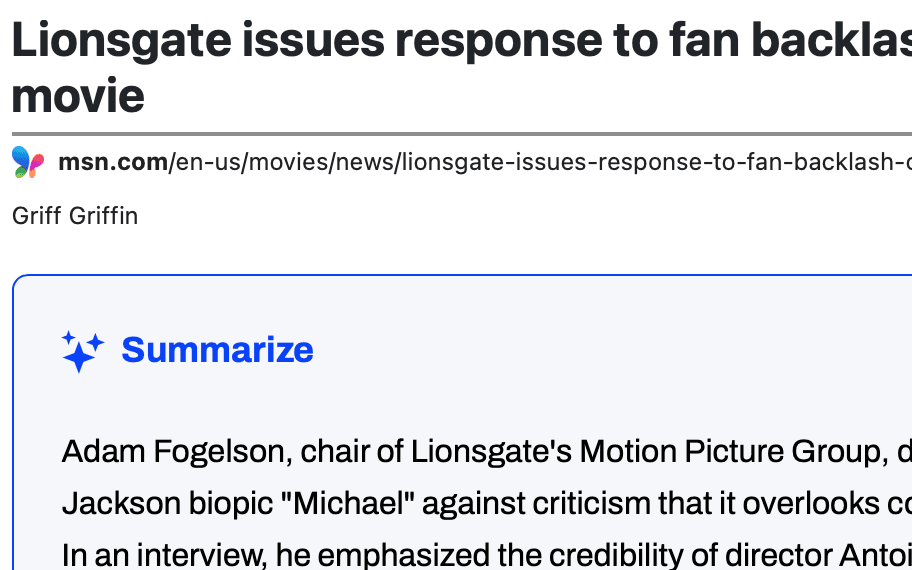
AI SUMMARIES
AI page summaries, on demand in Chrome
Generate an AI-powered summary of any page without leaving the Chrome tab. Skim long articles or research without reading every word.
Frequently asked questions
Does PrintFriendly for Chrome work in Brave, Opera, Vivaldi, or Arc?
Yes. Those browsers all use Chrome Web Store extensions, so you can install PrintFriendly the same way as in Chrome.
Does PrintFriendly work offline?
Most features need a live page to clean up, but once a page is loaded, editing and saving as PDF work without reconnecting.
Is PrintFriendly for Chrome free?
Yes, the extension is free.