
Clean print and PDF, right in Firefox.
Remove ads, sidebars, and footers. Keep what matters. Print it or save it as a PDF.
 Add to Firefox
Built for the whole web









PDF EXPORT
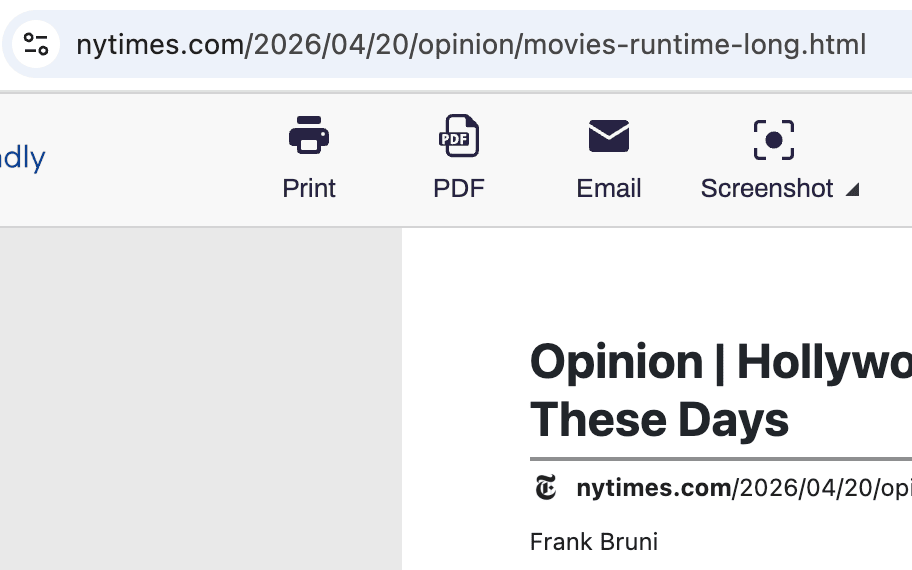
Save Firefox pages as clean PDFs
Export ad-free, navigation-free PDFs directly from Firefox. Non-Latin scripts and right-to-left languages work out of the box. Pick A4 or Letter, set your margins, and save in a single click.
CLEAN PRINT
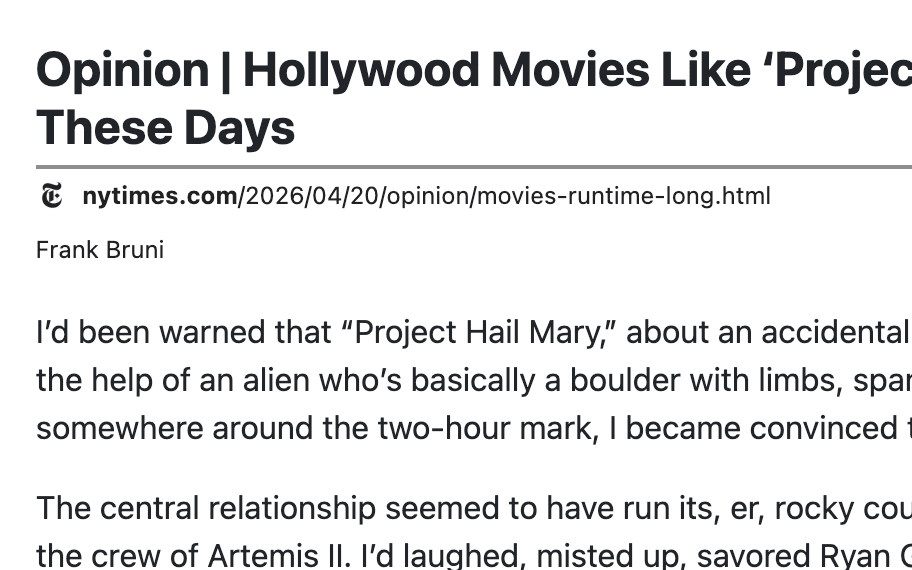
Print from Firefox without the clutter
Remove ads, pop-ups, navigation, and footers before sending a page to your printer. Delete whole sections at once, or click-and-drag to clear several at a time.
SCREENSHOTS
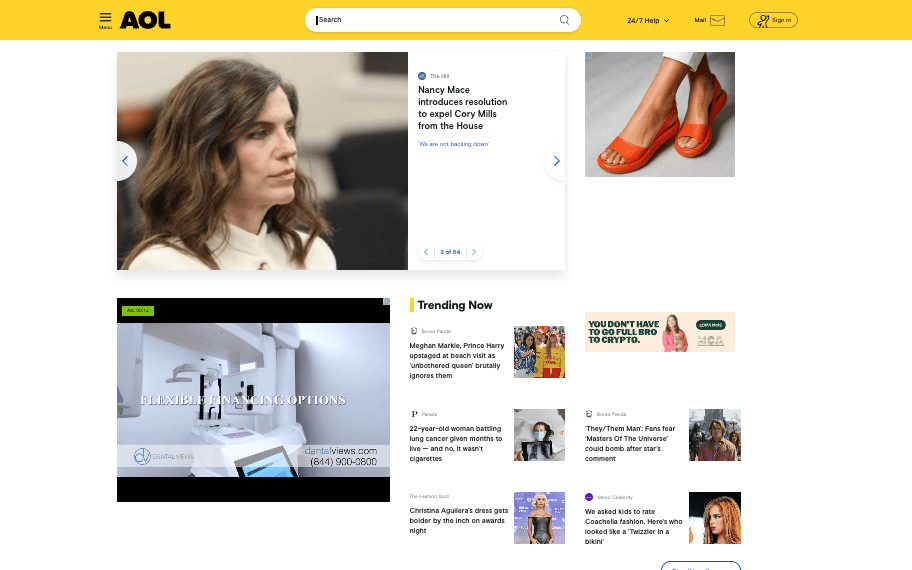
Capture full Firefox pages, top to bottom
Screenshot any page from Firefox with one click — even sites with iframes, dynamic scripts, or tall layouts. Save as PNG, JPG, or PDF.
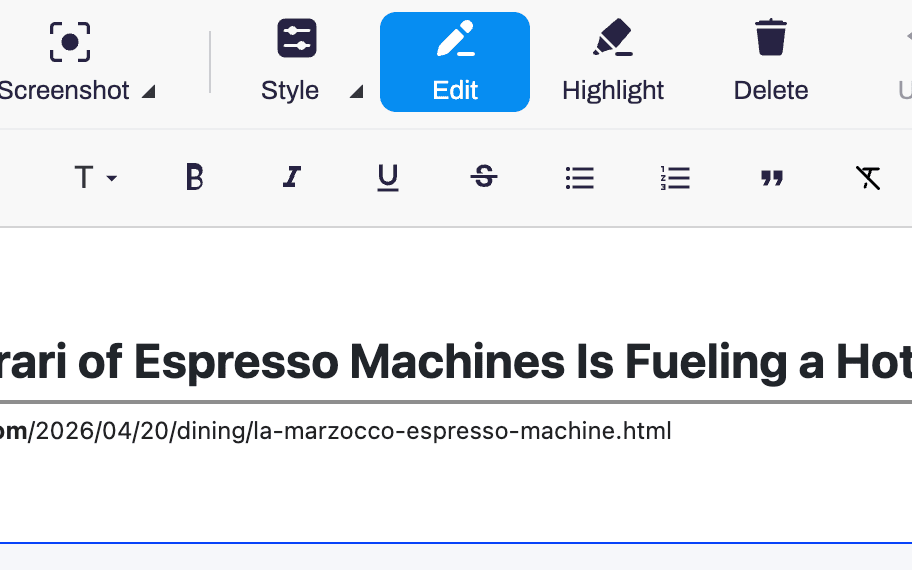
EDIT & HIGHLIGHT
Edit any Firefox page before you save it
Rewrite text, bump up font size, drop images, and highlight anything worth keeping. Full-screen editor with undo, right inside Firefox.
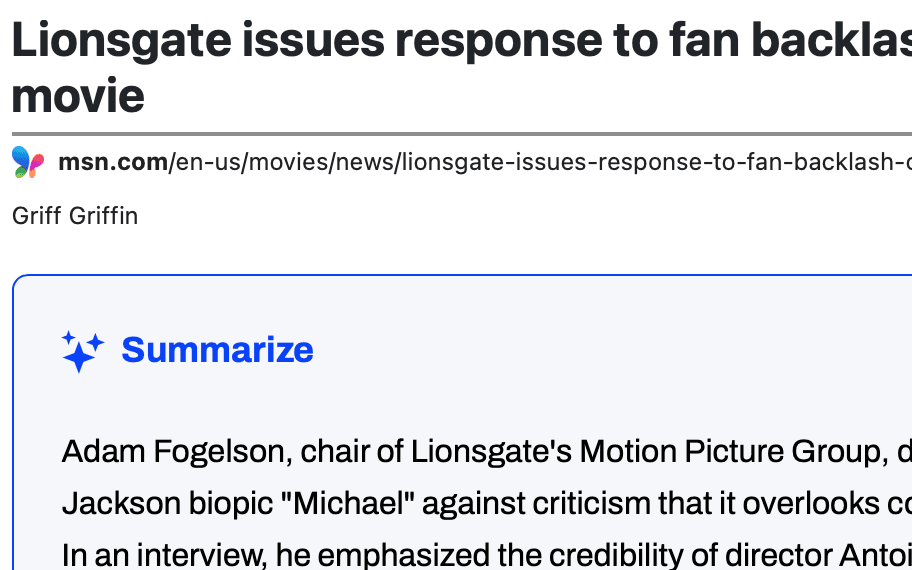
AI SUMMARIES
AI summaries for any Firefox page
Generate an AI summary of the page you're reading in Firefox. Cut through long articles and research without opening a second tab.
Frequently asked questions
Does PrintFriendly work in Firefox private browsing?
Yes, but you need to allow the extension in private windows from Firefox's add-ons manager. Firefox disables extensions in private windows by default.
Is PrintFriendly for Firefox free?
Yes, the extension is free.
Why does PrintFriendly ask for extra permissions?
PrintFriendly needs to read the current page's content to clean it up for printing and PDF. It does not track your browsing.